OverTheWire Bandit Level 17 -> 18
OverTheWire Bandit Level 17 -> 18OverTheWire Bandit Level 17 -> 18OverTheWire Bandit Level 17에서 Level 18로 가는 풀이OverTheWire Bandit Level 17 to 18 writeup
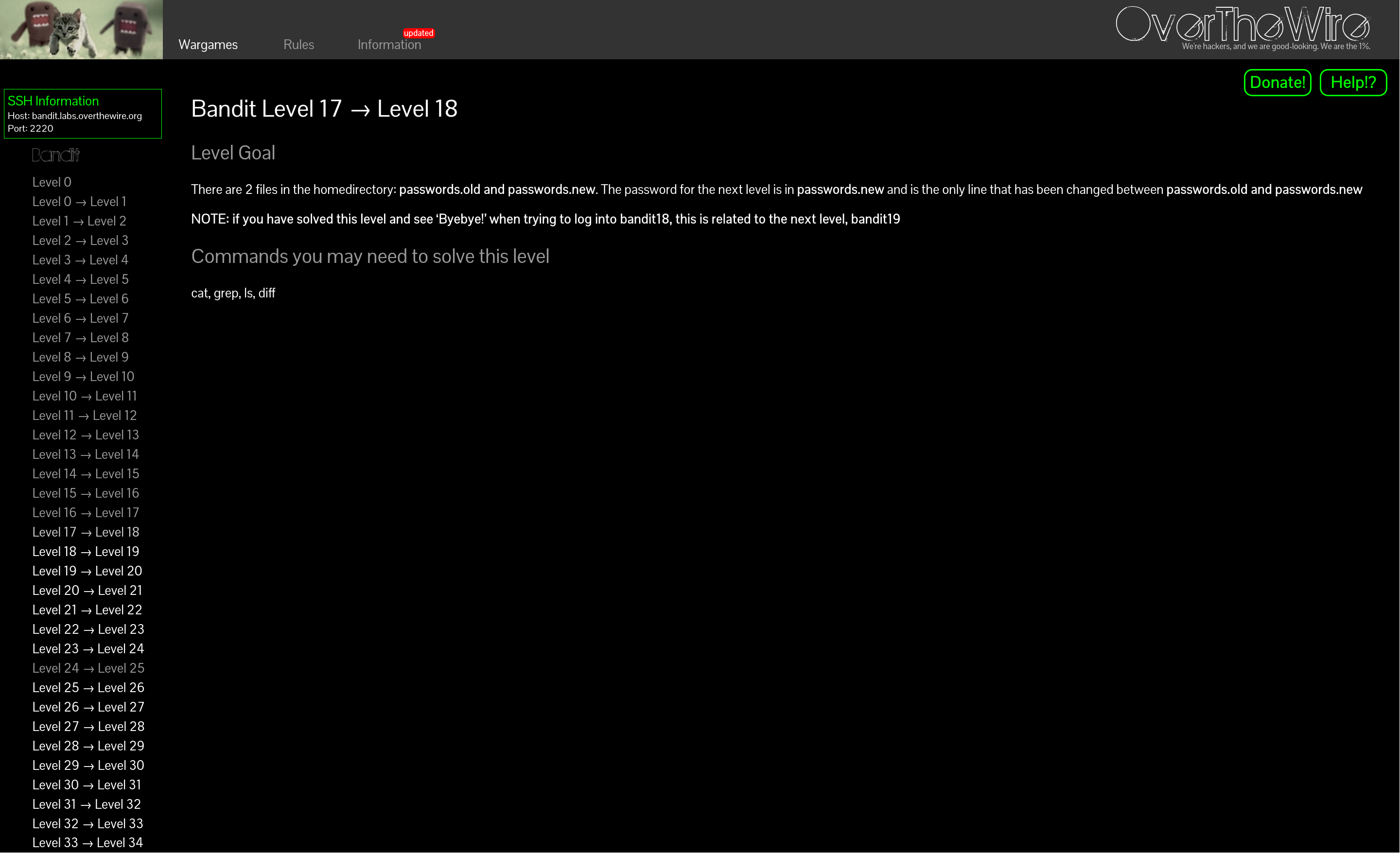
rsa 암호를 저장해두고 아까처럼 600으로 권한을 설정한 후 접속하자.
axii@fedora:~/bandit$ vi key17
axii@fedora:~/bandit$ chmod 600 key17
axii@fedora:~/bandit$ ssh -i key17 bandit17@bandit.labs.overthewire.org -p 2220

bandit17@bandit:~$ bandit17@bandit:~$ ls -al
total 36
drwxr-xr-x 3 root root 4096 Apr 3 15:17 .
drwxr-xr-x 150 root root 4096 Apr 3 15:20 ..
-rw-r----- 1 bandit17 bandit17 33 Apr 3 15:17 .bandit16.password
-rw-r--r-- 1 root root 220 Mar 31 2024 .bash_logout
-rw-r--r-- 1 root root 3851 Apr 3 15:10 .bashrc
-rw-r----- 1 bandit18 bandit17 3300 Apr 3 15:17 passwords.new
-rw-r----- 1 bandit18 bandit17 3300 Apr 3 15:17 passwords.old
-rw-r--r-- 1 root root 807 Mar 31 2024 .profile
drwxr-xr-x 2 root root 4096 Apr 3 15:17 .ssh
bandit17@bandit:~$ diff passwords.new passwords.old
42c42
< <redacted>
---
> <redacted>diff 명령어로 변경된 줄을 확인했다.
따라서 비밀번호는 <redacted>이다.
Save the RSA key, set its permissions to 600 like before, and log in.
axii@fedora:~/bandit$ vi key17
axii@fedora:~/bandit$ chmod 600 key17
axii@fedora:~/bandit$ ssh -i key17 bandit17@bandit.labs.overthewire.org -p 2220

bandit17@bandit:~$ bandit17@bandit:~$ ls -al
total 36
drwxr-xr-x 3 root root 4096 Apr 3 15:17 .
drwxr-xr-x 150 root root 4096 Apr 3 15:20 ..
-rw-r----- 1 bandit17 bandit17 33 Apr 3 15:17 .bandit16.password
-rw-r--r-- 1 root root 220 Mar 31 2024 .bash_logout
-rw-r--r-- 1 root root 3851 Apr 3 15:10 .bashrc
-rw-r----- 1 bandit18 bandit17 3300 Apr 3 15:17 passwords.new
-rw-r----- 1 bandit18 bandit17 3300 Apr 3 15:17 passwords.old
-rw-r--r-- 1 root root 807 Mar 31 2024 .profile
drwxr-xr-x 2 root root 4096 Apr 3 15:17 .ssh
bandit17@bandit:~$ diff passwords.new passwords.old
42c42
< <redacted>
---
> <redacted>I used diff to find the line that changed.
So the password is <redacted>.