OverTheWire Bandit Level 13 -> 14
OverTheWire Bandit Level 13 -> 14OverTheWire Bandit Level 13 -> 14OverTheWire Bandit Level 13에서 Level 14로 가는 풀이OverTheWire Bandit Level 13 to Level 14 writeup
axii@fedora:~/bandit$ ssh bandit13@bandit.labs.overthewire.org -p 2220

bandit13@bandit:~$ ls -al
total 28
drwxr-xr-x   2 root     root     4096 Apr  3 15:17 .
drwxr-xr-x 150 root     root     4096 Apr  3 15:20 ..
-rw-r--r--   1 root     root      220 Mar 31  2024 .bash_logout
-rw-r--r--   1 root     root     3851 Apr  3 15:10 .bashrc
-rw-r-----   1 bandit14 bandit13  467 Apr  3 15:17 HINT
-rw-r--r--   1 root     root      807 Mar 31  2024 .profile
-rw-r-----   1 bandit14 bandit13 1679 Apr  3 15:17 sshkey.private
bandit13@bandit:~$ cat HINT
If you have trouble with this level, note the following:

1) As for all other levels, this level has a website with information:
   https://overthewire.org/wargames/bandit/bandit14.html
2) No, the level is not broken. To verify, see:
   https://status.overthewire.org/
3) The current version of OverTheWire prevents logging in from one
   level to another via localhost. Log out, and see 1)
4) If you get errors, read the error message on your screen.
   We mean it!
bandit13@bandit:~$
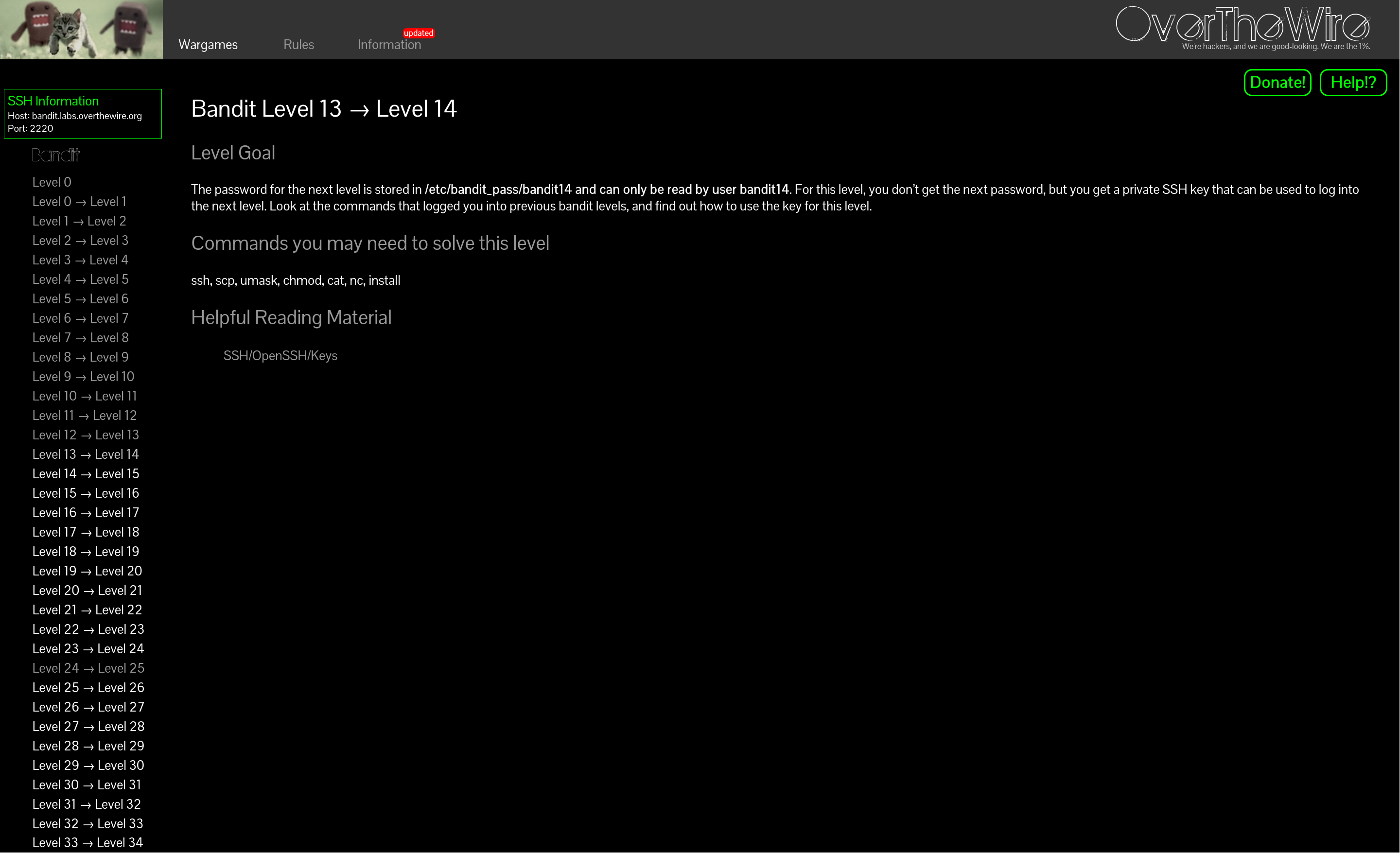
비밀번호 대신 SSH 개인키를 통해서 접속하는 것 같다. 예전에 한번 해봤던 기억이 있는데 명령어가 기억이 안 나서 서치해봤다.
https://code-boki.tistory.com/142 이 블로그에서 도움을 받았다.
axii@fedora:~/bandit$ ssh bandit13@bandit.labs.overthewire.org -p 2220

bandit13@bandit:~$ ssh -i sshkey.private bandit14@bandit.labs.overthewire.org -p 2220
The authenticity of host '[bandit.labs.overthewire.org]:2220 ([127.0.0.1]:2220)' can't be established.
ED25519 key fingerprint is SHA256:C2ihUBV7ihnV1wUXRb4RrEcLfXC5CXlhmAAM/urerLY.
This key is not known by any other names.
Are you sure you want to continue connecting (yes/no/[fingerprint])? yes
Could not create directory '/home/bandit13/.ssh' (Permission denied).
Failed to add the host to the list of known hosts (/home/bandit13/.ssh/known_hosts).
                         _                     _ _ _
                        | |__   __ _ _ __   __| (_) |_
                        | '_ \ / _` | '_ \ / _` | | __|
                        | |_) | (_| | | | | (_| | | |_
                        |_.__/ \__,_|_| |_|\__,_|_|\__|


                      This is an OverTheWire game server.
            More information on http://www.overthewire.org/wargames

!!! You are trying to log into this SSH server with a password on port 2220 from localhost.
!!! Connecting from localhost is blocked to conserve resources.
!!! Please log out and log in again.

backend: gibson-0
Received disconnect from 127.0.0.1 port 2220:2: no authentication methods enabled
Disconnected from 127.0.0.1 port 2220
bandit13@bandit:~$
ssh 접속을 하고 그 안에서 14로 바로 ssh 접속을 하려 하니 문제가 생겼다. scp 명령어를 통해 개인키 파일을 다운로드 받고 로컬에서 접속하자.
axii@fedora:~/bandit$ scp -P 2220 bandit13@bandit.labs.overthewire.org:sshkey.private .
                         _                     _ _ _
                        | |__   __ _ _ __   __| (_) |_
                        | '_ \ / _` | '_ \ / _` | | __|
                        | |_) | (_| | | | | (_| | | |_
                        |_.__/ \__,_|_| |_|\__,_|_|\__|


                      This is an OverTheWire game server.
            More information on http://www.overthewire.org/wargames

backend: gibson-0
bandit13@bandit.labs.overthewire.org's password:
sshkey.private                                                                                                                                     100% 1679     2.1KB/s   00:00
axii@fedora:~/bandit$ ls
sshkey.privateaxii@fedora:~/bandit$ ssh -i sshkey.private bandit14@bandit.labs.overthewire.org -p 2220
_ _ _ _
| |__ __ _ _ __ __| (_) |_
| '_ \ / _` | '_ \ / _` | | __|
| |_) | (_| | | | | (_| | | |_
|_.__/ \__,_|_| |_|\__,_|_|\__|
This is an OverTheWire game server.
More information on http://www.overthewire.org/wargames
backend: gibson-0
@@@@@@@@@@@@@@@@@@@@@@@@@@@@@@@@@@@@@@@@@@@@@@@@@@@@@@@@@@@
@ WARNING: UNPROTECTED PRIVATE KEY FILE! @
@@@@@@@@@@@@@@@@@@@@@@@@@@@@@@@@@@@@@@@@@@@@@@@@@@@@@@@@@@@
Permissions 0640 for 'sshkey.private' are too open.
It is required that your private key files are NOT accessible by others.
This private key will be ignored.
Load key "sshkey.private": bad permissions
bandit14@bandit.labs.overthewire.org's password: 이번엔 개인키 권한이 너무 널널하게 되어있어서 거부당했다.
chmod로 나한테만 rw 권한을 주고 재시도하자.
axii@fedora:~/bandit$ chmod 600 sshkey.private
axii@fedora:~/bandit$ ssh -i sshkey.private bandit14@bandit.labs.overthewire.org -p 2220

bandit14@bandit:~$ cat /etc/bandit_pass/bandit14
<redacted>
bandit14@bandit:~$
axii@fedora:~/bandit$ ssh bandit13@bandit.labs.overthewire.org -p 2220

bandit13@bandit:~$ ls -al
total 28
drwxr-xr-x   2 root     root     4096 Apr  3 15:17 .
drwxr-xr-x 150 root     root     4096 Apr  3 15:20 ..
-rw-r--r--   1 root     root      220 Mar 31  2024 .bash_logout
-rw-r--r--   1 root     root     3851 Apr  3 15:10 .bashrc
-rw-r-----   1 bandit14 bandit13  467 Apr  3 15:17 HINT
-rw-r--r--   1 root     root      807 Mar 31  2024 .profile
-rw-r-----   1 bandit14 bandit13 1679 Apr  3 15:17 sshkey.private
bandit13@bandit:~$ cat HINT
If you have trouble with this level, note the following:

1) As for all other levels, this level has a website with information:
   https://overthewire.org/wargames/bandit/bandit14.html
2) No, the level is not broken. To verify, see:
   https://status.overthewire.org/
3) The current version of OverTheWire prevents logging in from one
   level to another via localhost. Log out, and see 1)
4) If you get errors, read the error message on your screen.
   We mean it!
bandit13@bandit:~$
It looks like we log in with an SSH private key instead of a password. I remember doing this once before, but I couldn't recall the command, so I looked it up.
https://code-boki.tistory.com/142 This blog post helped.
axii@fedora:~/bandit$ ssh bandit13@bandit.labs.overthewire.org -p 2220

bandit13@bandit:~$ ssh -i sshkey.private bandit14@bandit.labs.overthewire.org -p 2220
The authenticity of host '[bandit.labs.overthewire.org]:2220 ([127.0.0.1]:2220)' can't be established.
ED25519 key fingerprint is SHA256:C2ihUBV7ihnV1wUXRb4RrEcLfXC5CXlhmAAM/urerLY.
This key is not known by any other names.
Are you sure you want to continue connecting (yes/no/[fingerprint])? yes
Could not create directory '/home/bandit13/.ssh' (Permission denied).
Failed to add the host to the list of known hosts (/home/bandit13/.ssh/known_hosts).
                         _                     _ _ _
                        | |__   __ _ _ __   __| (_) |_
                        | '_ \ / _` | '_ \ / _` | | __|
                        | |_) | (_| | | | | (_| | | |_
                        |_.__/ \__,_|_| |_|\__,_|_|\__|


                      This is an OverTheWire game server.
            More information on http://www.overthewire.org/wargames

!!! You are trying to log into this SSH server with a password on port 2220 from localhost.
!!! Connecting from localhost is blocked to conserve resources.
!!! Please log out and log in again.

backend: gibson-0
Received disconnect from 127.0.0.1 port 2220:2: no authentication methods enabled
Disconnected from 127.0.0.1 port 2220
bandit13@bandit:~$
Trying to SSH into 14 directly from inside the existing SSH session failed. Let's download the private key file with scp and connect from the local machine.
axii@fedora:~/bandit$ scp -P 2220 bandit13@bandit.labs.overthewire.org:sshkey.private .
                         _                     _ _ _
                        | |__   __ _ _ __   __| (_) |_
                        | '_ \ / _` | '_ \ / _` | | __|
                        | |_) | (_| | | | | (_| | | |_
                        |_.__/ \__,_|_| |_|\__,_|_|\__|


                      This is an OverTheWire game server.
            More information on http://www.overthewire.org/wargames

backend: gibson-0
bandit13@bandit.labs.overthewire.org's password:
sshkey.private                                                                                                                                     100% 1679     2.1KB/s   00:00
axii@fedora:~/bandit$ ls
sshkey.privateaxii@fedora:~/bandit$ ssh -i sshkey.private bandit14@bandit.labs.overthewire.org -p 2220
_ _ _ _
| |__ __ _ _ __ __| (_) |_
| '_ \ / _` | '_ \ / _` | | __|
| |_) | (_| | | | | (_| | | |_
|_.__/ \__,_|_| |_|\__,_|_|\__|
This is an OverTheWire game server.
More information on http://www.overthewire.org/wargames
backend: gibson-0
@@@@@@@@@@@@@@@@@@@@@@@@@@@@@@@@@@@@@@@@@@@@@@@@@@@@@@@@@@@
@ WARNING: UNPROTECTED PRIVATE KEY FILE! @
@@@@@@@@@@@@@@@@@@@@@@@@@@@@@@@@@@@@@@@@@@@@@@@@@@@@@@@@@@@
Permissions 0640 for 'sshkey.private' are too open.
It is required that your private key files are NOT accessible by others.
This private key will be ignored.
Load key "sshkey.private": bad permissions
bandit14@bandit.labs.overthewire.org's password: This time the key was rejected because its permissions were too permissive.
Use chmod to give read/write permission to the owner only, then try again.
axii@fedora:~/bandit$ chmod 600 sshkey.private
axii@fedora:~/bandit$ ssh -i sshkey.private bandit14@bandit.labs.overthewire.org -p 2220

bandit14@bandit:~$ cat /etc/bandit_pass/bandit14
<redacted>
bandit14@bandit:~$