OverTheWire Bandit Level 1 -> 2
OverTheWire Bandit Level 1 -> 2OverTheWire Bandit Level 1 -> 2OverTheWire Bandit Level 1에서 Level 2로 가는 풀이OverTheWire Bandit Level 1 to Level 2 writeup
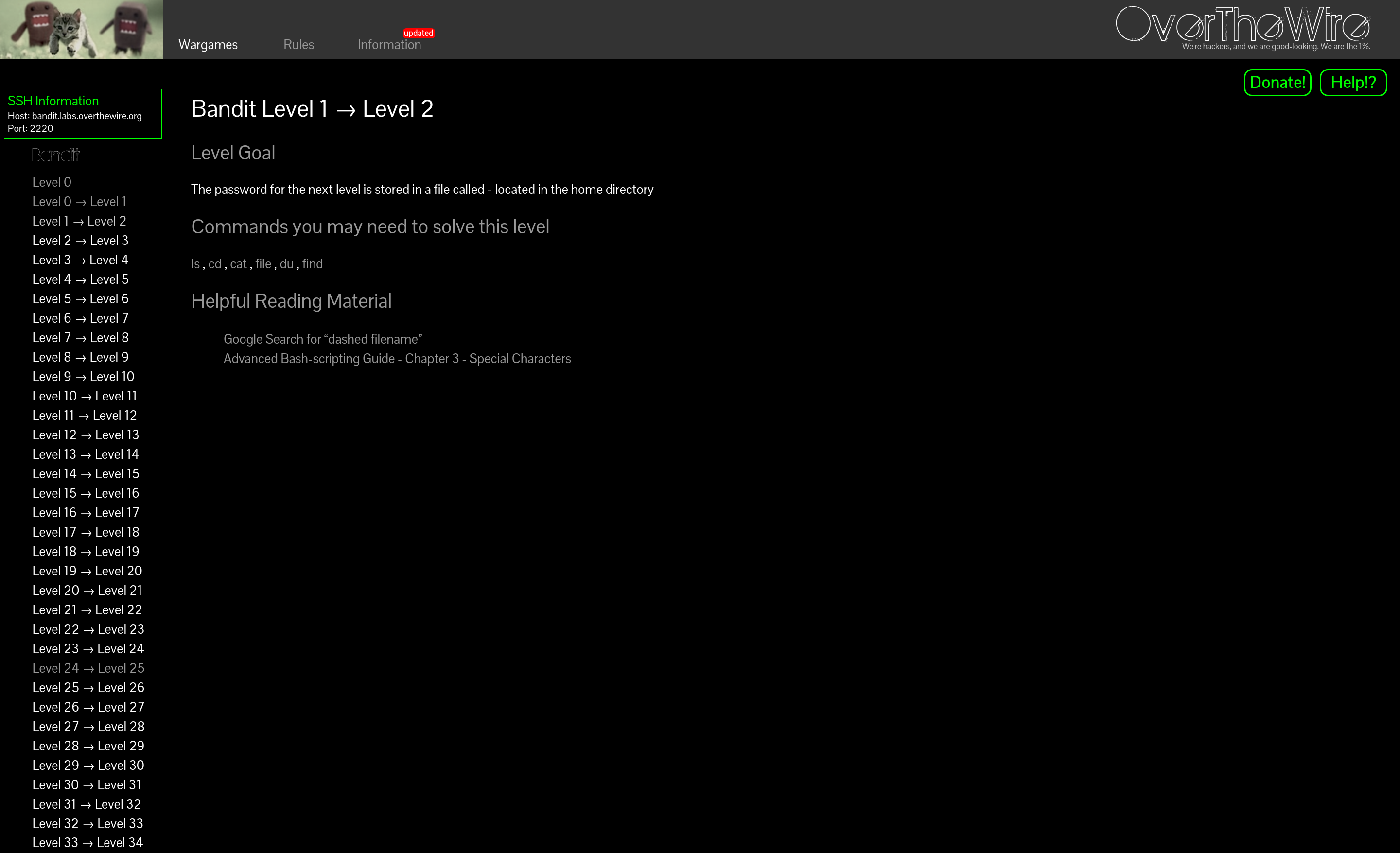
axii@fedora:~/bandit$ ssh bandit1@bandit.labs.overthewire.org -p 2220

bandit1@bandit:~$ ls -al
total 24
-rw-r-----   1 bandit2 bandit1   33 Apr  3 15:17 -
drwxr-xr-x   2 root    root    4096 Apr  3 15:17 .
drwxr-xr-x 150 root    root    4096 Apr  3 15:20 ..
-rw-r--r--   1 root    root     220 Mar 31  2024 .bash_logout
-rw-r--r--   1 root    root    3851 Apr  3 15:10 .bashrc
-rw-r--r--   1 root    root     807 Mar 31  2024 .profile
bandit1@bandit:~$ cat -
^C
서버 들어갈 때 뜨는 안내문은 Level 0과 같아서 앞으로도 생략하겠다.
Level 0에서 얻은 pw로 접속했다.
ls를 입력해서 디렉토리 파악을 해봤는데 -라는 이름의 파일이 있었다.
cat -로 읽으려 하자 아무것도 뜨지 않길래 ctrl+c로 끊었다.
문제 안내에서 cat 명령어 설명으로 걸려있는 링크에 가봤다.
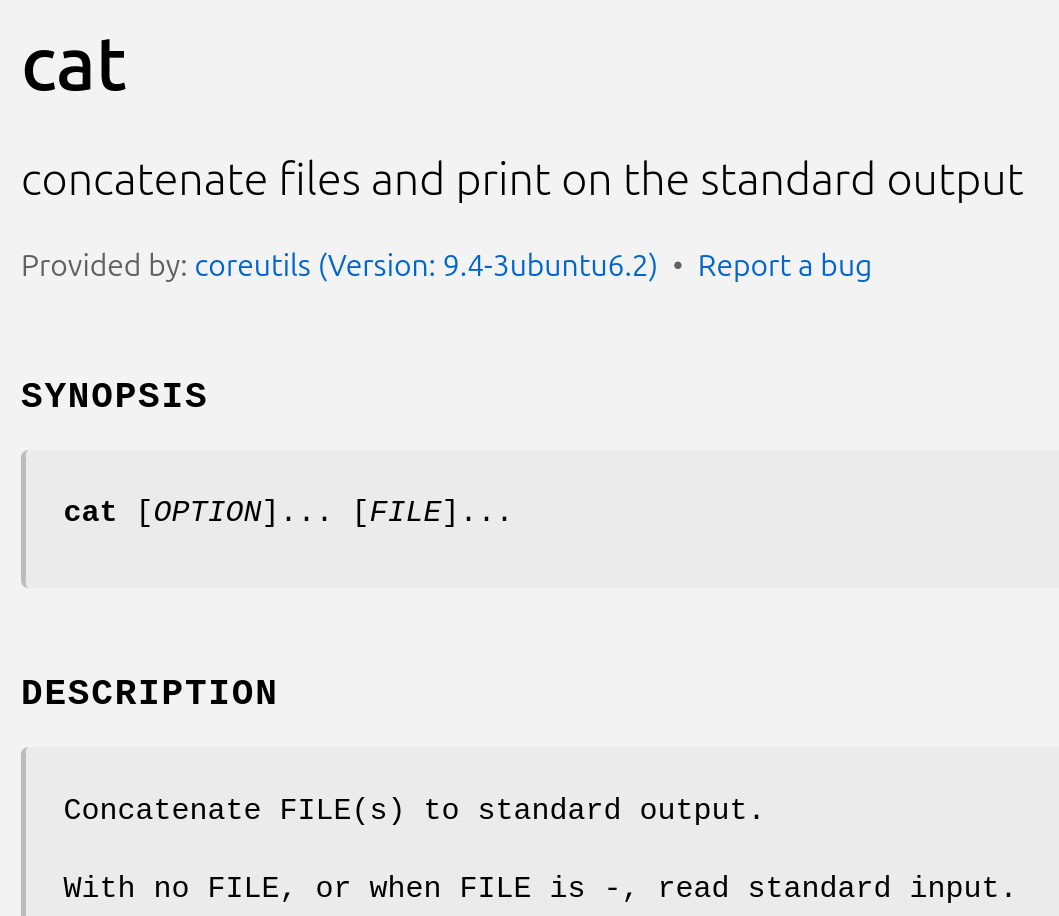
파일이 -면 표준입력을 받는다고 되어있다.
bandit1@bandit:~$ cat ./-
<redacted>
그래서 현재 디렉토리의 - 파일이라고 경로로 찍어주니 제대로 출력이 되었다.
axii@fedora:~/bandit$ ssh bandit1@bandit.labs.overthewire.org -p 2220

bandit1@bandit:~$ ls -al
total 24
-rw-r-----   1 bandit2 bandit1   33 Apr  3 15:17 -
drwxr-xr-x   2 root    root    4096 Apr  3 15:17 .
drwxr-xr-x 150 root    root    4096 Apr  3 15:20 ..
-rw-r--r--   1 root    root     220 Mar 31  2024 .bash_logout
-rw-r--r--   1 root    root    3851 Apr  3 15:10 .bashrc
-rw-r--r--   1 root    root     807 Mar 31  2024 .profile
bandit1@bandit:~$ cat -
^C
The banner shown when logging into the server is the same as in Level 0, so I'll omit it from here on.
I connected with the password obtained in Level 0.
I ran ls to look around the directory and found a file named -.
When I tried to read it with cat -, nothing showed up, so I interrupted it with ctrl+c.
I went to the link provided in the challenge's cat command description.
It says that when the file is -, it reads from standard input.
bandit1@bandit:~$ cat ./-
<redacted>
So when I specified it as the - file in the current directory by path, it printed correctly.